
Slughorn: Applying Slug-Style GPU Curve Rendering Beyond Text
On March 17th 2026, Eric Lengyel made his Slug technique completely patent-unencumbered ( https://terathon.com/blog/decade-slug.html ) .
https://terathon.com/blog/decade-slug.html
As long-time graphics programmers and open source contributors, especially around OpenSceneGraph, VulkanSceneGraph, and related visualization work, we were not going to let that sit untouched for long. On March 19th we started with a few proof-of-concept demos and began digging into the Slug algorithm in detail. Our goal was to take the core idea behind Slug’s high-quality GPU glyph rendering and see how far we could push it outside its original text-rendering use case. Over the last two and a half months, what started as a side research experiment has turned into something we are now ready to put in front of other developers. Hold onto your hats.

We are calling the project Slughorn. The name is a little literal. The goal is to provide a single open-source library for shoe-horning Slug-style data into other visualization contexts: OpenGL, Vulkan, DirectX, scene graphs, HUD systems, 3D UI tools, and whatever else people are already using.
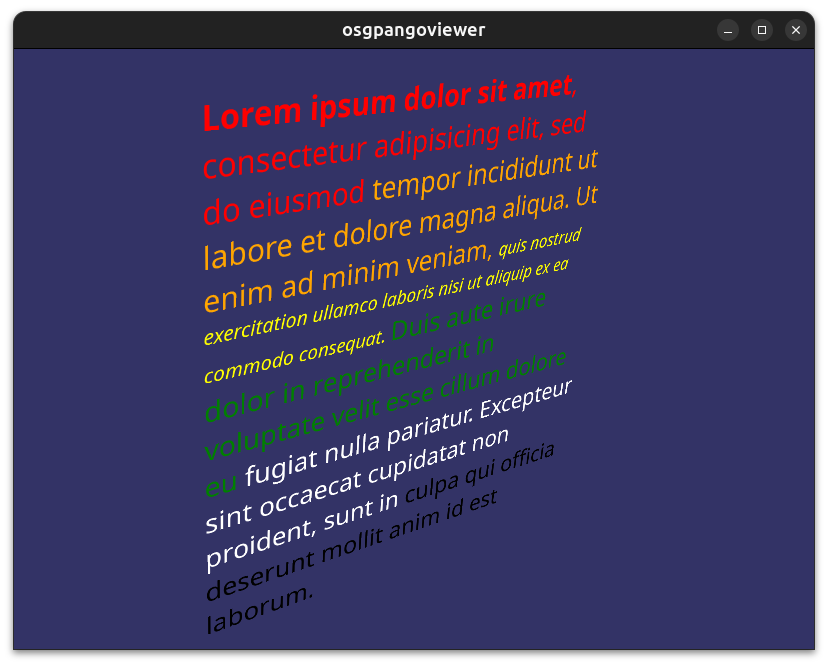
The project
Slughorn is MIT-licensed open source. It can be used commercially without royalties or up-front license fees.
It is written in C++20, builds with CMake, and has no required third-party dependencies. We have tested it on Windows and Linux. It should also be practical on macOS and on embedded or mobile platforms that expose modern GPU APIs, though those targets still need more real-world testing.
The GitHub repository is here:
https://github.com/AlphaPixel/SlugHorn/
https://github.com/AlphaPixel/SlugHorn/
The project site is here:
https://slughorn.io/
The site links to the GitHub repository, the user guide, and Python and C++ examples.
There is also a work-in-progress WhatsNext document that lists the directions we are considering next:
https://slughorn.io/WhatsNext.pdf
https://slughorn.io/WhatsNext.pdf
Current import backends
Slughorn currently supports several input sources:
FreeType
FreeType
NanoSVG, including paths and gradients
NanoSVG, including paths and gradients
Skia paths
Skia paths
Cairo paths
Cairo paths
Blend2D paths
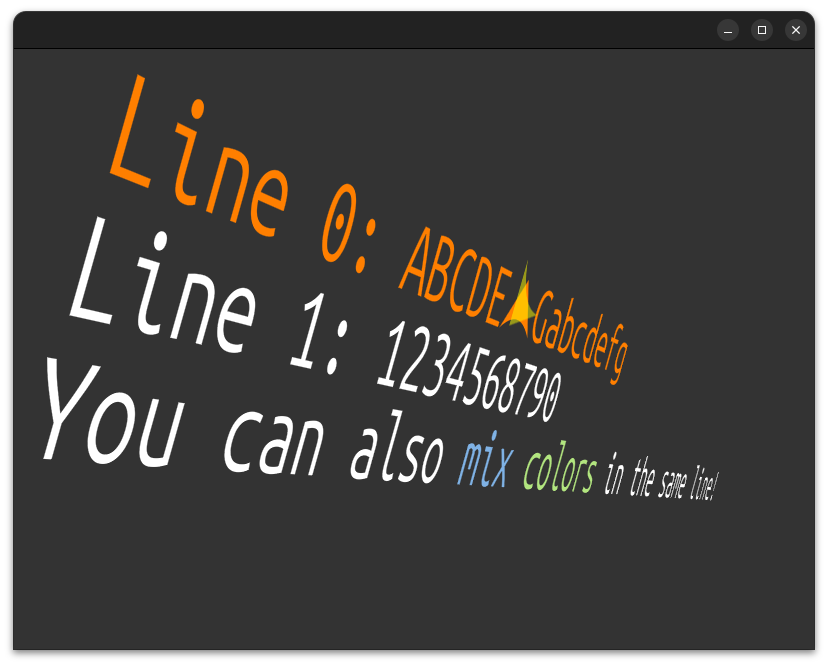
Some of these are more complete than others. That is expected at this stage.
The FreeType backend is the most mature. It can process COLRv0 and COLRv1 emoji content, and it is the backend we have leaned on most heavily while proving out the core data model.

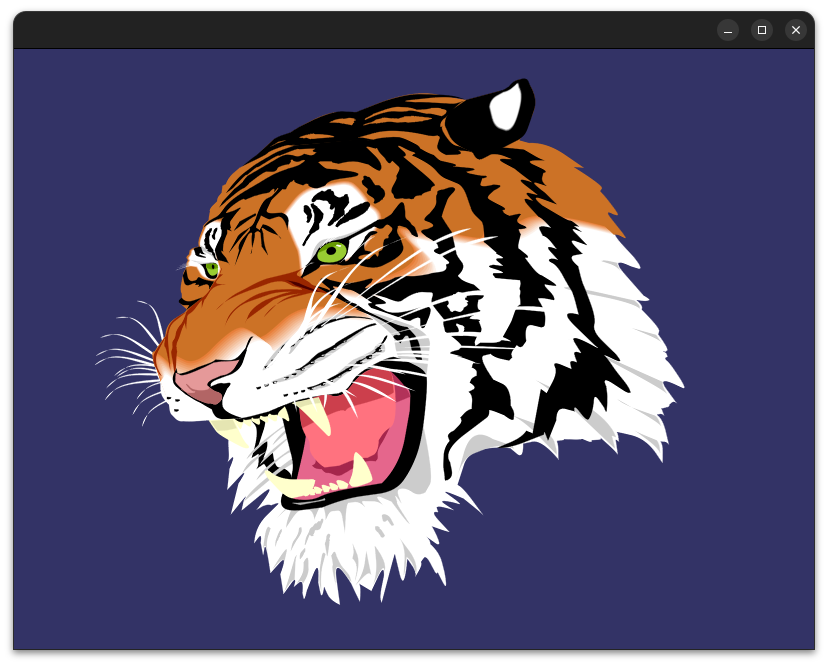
NanoSVG support is already useful for importing SVG paths, transforms, and gradients. Strokes and text are possible, but we have not spent the time there yet.
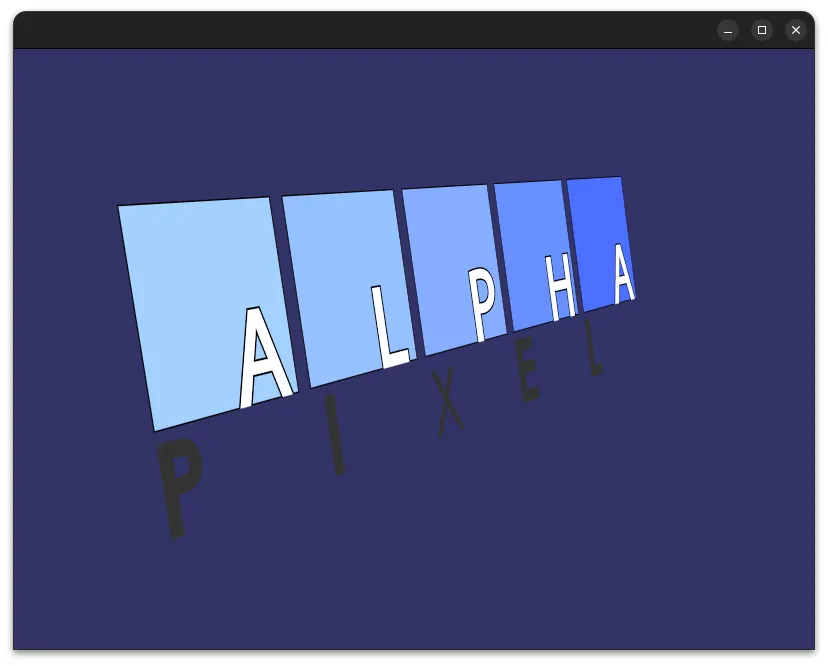
The Blend2D, Cairo, and Skia paths are currently more rudimentary. They are useful for converting path data into Slughorn content, but they do not yet expose every feature those libraries can express. We expect those backends to grow after the core Slughorn pieces settle down.
Optional dependencies
Slughorn does not require third-party dependencies for the core build, but some features use optional components:
NanoSVG, as a submodule
NanoSVG, as a submodule
MSDF support, as a submodule
MSDF support, as a submodule
pybind11, as a submodule
pybind11, as a submodule
serialization and glTF support, as submodules
serialization and glTF support, as submodules
Cairo, Blend2D, and Skia import support, when available externally
Cairo, Blend2D, and Skia are not submoduled. That is intentional for now. Those libraries are large enough, and system-specific enough, that we do not want to pretend there is one clean dependency situation for every build environment yet.
Slughorn is not actually a production renderer by itself
Slughorn is not a rendering library. It does not try to own your renderer, scene graph, swap chain, camera system, material system, or UI toolkit. Its job is to act as an input and adaptation layer. It gives other systems Slug-compatible or Slug-adjacent data that they can render inside their own GPU pipelines.
This is deliberate and intentional. We are not trying to replace OpenSceneGraph, VulkanSceneGraph, bgfx, Unreal, Unity, ImGui, Qt, or a custom renderer. We want Slughorn to be something those systems can consume.
For now, the most featureful way to see rendered output is osgSlug:
https://github.com/AlphaPixel/osgSlug
https://github.com/AlphaPixel/osgSlug
OpenSceneGraph has been our rapid testbed because we know it well. OSG is not a requirement though. Slughorn also includes a pure OpenGL demo showing how the library can be integrated without a full scene graph. You do not need OpenSceneGraph but you do need some kind of renderer to jam all the data and shaders into and execute them.
Why vector graphics?
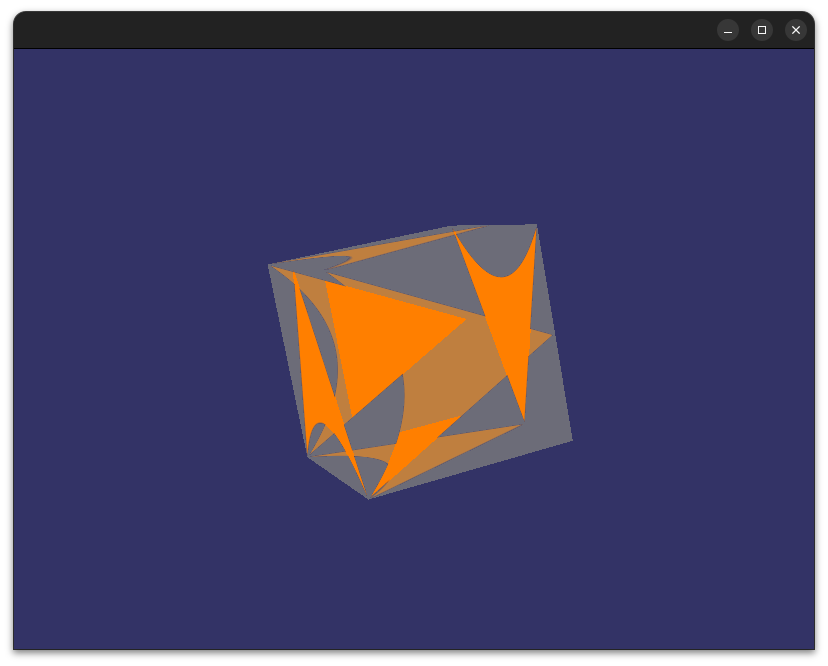
Slug was designed for text and is already very useful. GPU-rendered glyph curves are a better fit than texture atlases, SDFs, MSDFs, or other approximation techniques in a lot of situations, especially when the camera is not tightly controlled. But glyphs are also vector graphics.
A glyph is a set of curves. SVG paths are sets of curves. Icon shapes are sets of curves. HUD elements are often sets of curves. Many map layers are sets of curves. A lot of the graphics we use in technical visualization are not fundamentally raster images and they frequently get square-peg-round-holed into rasters because GPUs don’t have a “Bezier curve” feature.
That raises the obvious question: if Slug works well for glyph curves, how far can the same idea go for other vector content? Well buckle up Buttercup.
https://alphapixeldev.com/wp-content/uploads/2026/06/Axlotl-animated-deformation.webm
Quality
The practical raison d’etre is image quality. When text or vector graphics are rendered through atlases, SDFs, MSDFs, or pre-rasterized assets, you eventually see behind the curtain to the approximation. Maybe it shows up as blur. Maybe it shows up as texels. Maybe it shows up at oblique angles. Maybe it shows up when the user gets too close in VR. In a conventional 2D UI, you can often constrain the view enough that these problems are manageable. In 3D UI, AR, VR, simulation, and HUD work, you often cannot.

Slughorn is aimed at cases where the quality is important. The goal is to render the actual curves on the GPU, from arbitrary view angles and perspectives, without falling back to texture magnification artifacts. This is what makes the technique interesting for more than just text.
Python tools
Slughorn has complete pybind11 coverage, not an afterthought. Python is currently the primary environment for several of the command-line tools, including the atlas inspector, font packer, and GLSL emulator. We have written a lot of Python bindings over the years, so this was a natural path. It also makes the toolchain easier to inspect and modify while the project is still moving quickly.
MSDF sidecar data
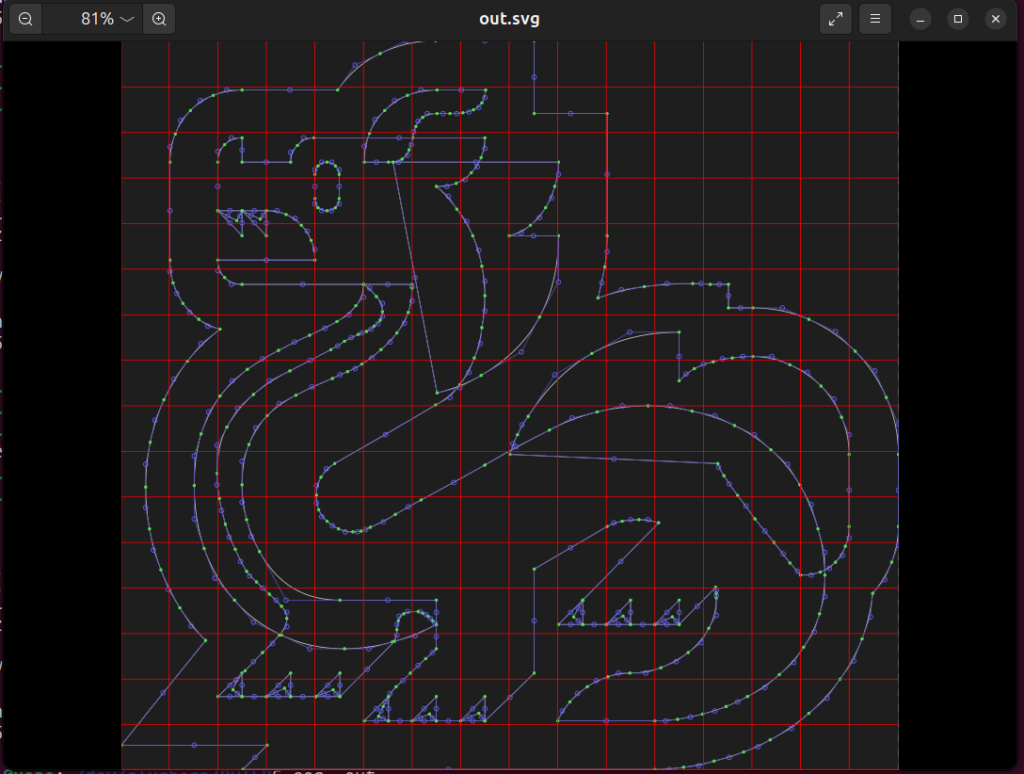
Slughorn content can optionally use msdfgen-core to generate sidecar data alongside its native representation. We currently use this for masks and visual effects. We expect this channel to become more useful over time, especially for fallback rendering, hybrid effects, and places where an approximation is still the right tradeoff. This is one of the areas where we are deliberately not overcommitting yet. There are several promising uses, but the core library needs to stay clean before we hang too much on the side of it.
Emoji support
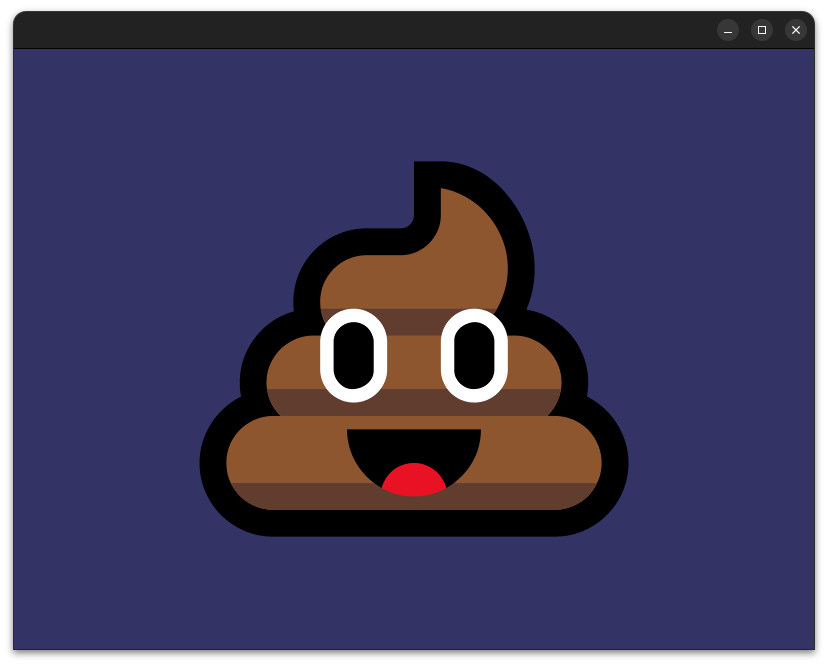
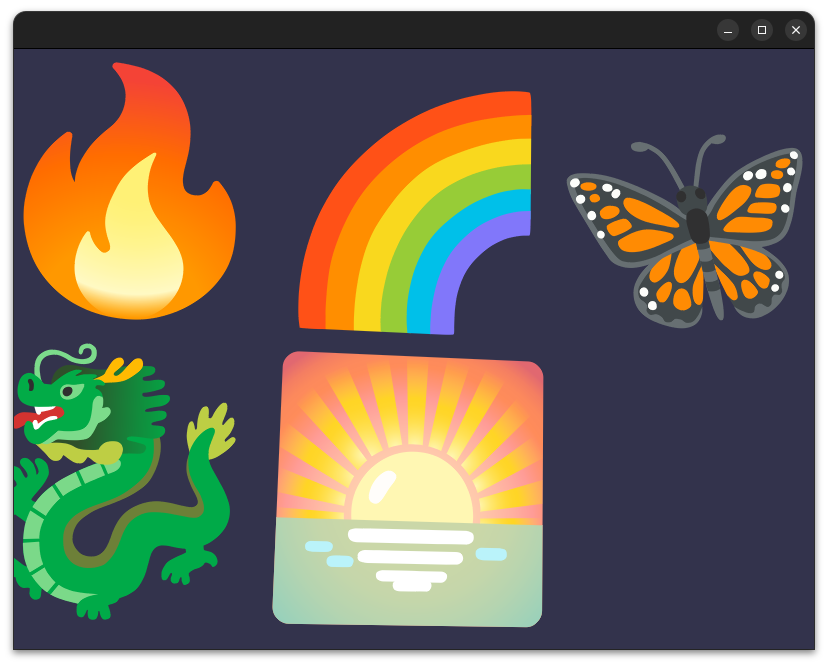
COLRv0 and COLRv1 emoji support works through the slughorn/freetype.hpp backend. Each layer of the emoji is composited into its own quad and positioned relative to the base glyph. This makes emoji rendering a good stress test for layered vector content, color handling, transforms, and composition. It is also a useful reminder that “text rendering” is no longer just monochrome glyph outlines. Modern fonts are closer to small vector illustration systems than many people expect.
HUDs and 3D UI
Animated HUDs are one of the obvious use cases and Slughorn can do them amazingly, in spades. Slughorn content can be layered, blended, combined, transformed, and animated in 3D. It also works well with stereo and multiview rendering. That makes it a good fit for technical HUDs, cockpit-style overlays, instrument graphics, VR panels, AR labels, and other cases where crisp vector content needs to exist in a real 3D scene. We can embed shaders into glyphs, animate transforms, and perform deformations on the GPU without pushing the same work back to the CPU every frame.
https://alphapixeldev.com/wp-content/uploads/2026/06/Screencast-from-2026-05-31-03-54-56.webm
Performance
For now, we are focusing on correctness, but Slughorn is still FAST. We have made design choices with performance in mind, and there are many obvious optimization paths. Some are already accounted for in the data model. Others need real profiling before they should be implemented. There is no point making a wrong renderer fast. We need the output to be correct first, then we can make the expensive paths cheaper.
What slaps now
Current Slughorn capabilities include:
FreeType-backed glyph import
FreeType-backed glyph import
COLRv0 and COLRv1 emoji handling
COLRv0 and COLRv1 emoji handling
NanoSVG path import
NanoSVG path import
NanoSVG gradient import
Transform support
Transform support
Native programmatic content generation through a Canvas-style API
Native programmatic content generation through a Canvas-style API
Python bindings
Python bindings
CLI tooling
CLI tooling
MSDF sidecar generation
MSDF sidecar generation
Pure OpenGL demo integration
Pure OpenGL demo integration
OpenSceneGraph testbed rendering through osgSlug
There is also at least partial support for:
Blend2D path import
Blend2D path import
Cairo path import
Cairo path import
Skia path import
Skia path import
Stroke-to-path conversion
Stroke-to-path conversion
Animated glyphs
https://alphapixeldev.com/wp-content/uploads/2026/06/animatedclock.webm
Layer effects
Layer effects
Morphing
https://alphapixeldev.com/wp-content/uploads/2026/06/Axlotl-animated-deformation.webm
Orthographic 2D projection
Orthographic 2D projection
Text along path
Some of that is usable now. Some of it is still rough. We just didn’t want to keep this under wraps any longer.
Works in Progress
https://alphapixeldev.com/wp-content/uploads/2026/06/Screencast-from-2026-06-06-05-52-08.webm
The obvious next pieces on the map are multitudinous:
HarfBuzz integration
HarfBuzz integration
Real text layout
Real text layout
Stroke caps and joins
Stroke caps and joins
Pattern support
Pattern support
Better SVG/NanoSVG coverage
Better SVG/NanoSVG coverage
WebAssembly support
WebAssembly support
An offline editor, currently called slughorned
An offline editor, currently called slughorned
Additional renderers
Additional renderers
Text fallback handling
There are also more experimental directions:
Performance tuning
Performance tuning
GDAL-backed curve and stroke map layers
GDAL-backed curve and stroke map layers
SDF/MSDF fallback and trivial optimization hybrid paths
SDF/MSDF fallback and trivial optimization hybrid paths
An interactivity layer
An interactivity layer
UI widget experiments
UI widget experiments
ImGui integration
And several others that are so far out we’re not ready to even talk about yet.
The GDAL direction is especially interesting to us because AlphaPixel does a lot of mapping, simulation, and geospatial visualization work. Curve rendering is not only a font problem. Roads, boundaries, contours, tracks, routes, and map annotations are all vector graphics too and nobody likes pixel-y or segment-y linework.
AI did not write this project
This is not a one-shot AI-generated code dump.
Slughorn represents months of human development and years of graphics experience. AI tools were used in limited places for documentation, ancillary assets, and code research. The code itself was written by Jeremy “Cubicool” Moles, who has also written text and glyph-centered tools such as osgCairo and osgPango.
AI tools are useful (one helped format this blog post, but all the typos are genuine human mistakes!). LLMs are not a substitute for knowing how glyphs, curves, renderers, bindings, build systems, and graphics APIs actually behave and what they should do in order to meet the needs of developers.
Feedback
We already know Slug is excellent for text. The more interesting question is where this technique should go next.
Where do you use vector graphics in OpenGL, Vulkan, DirectX, or scene graph projects? What do you currently rasterize because the vector path is too painful? What HUD, UI, map, diagram, annotation, or icon rendering problem would be easier if the curves stayed live on the GPU?
If you only need text, Slughorn can already help there. But the larger goal is to push Slug-style rendering into places where vector graphics are currently handled by less exact techniques. We think we are only scratching the surface.
Commercial work
You do not pay anything up front for Slughorn. The MIT license allows you to use it in commercial software without recurring license costs. Yay!
AlphaPixel is a commercial consulting and development company. Slughorn was built because we need tools like this in real projects, and because we think the community benefits from having the core library available under a permissive license. All Slughorn work so far has been funded by AlphaPixel and released pro bono under the MIT license.
If you need Slughorn integrated into an existing renderer, scene graph, simulation tool, GIS viewer, UI system, or visualization application, we are the obvious people to talk to. We already know the library, the failure modes, and the parts that still need work. If Slughorn needs a backend, feature, importer, renderer, or platform target that does not exist yet, that is also a reasonable consulting project.
If you call or email, you reach a real programmer (when we’re awake anyway).
https://AlphaPixelDev.com
[email protected]
[[email protected]](/cdn-cgi/l/email-protection#60030f0e140103145250525620010c100801100918050c0405164e030f0d)
+1-775-623-PIXL (775-623-7495)